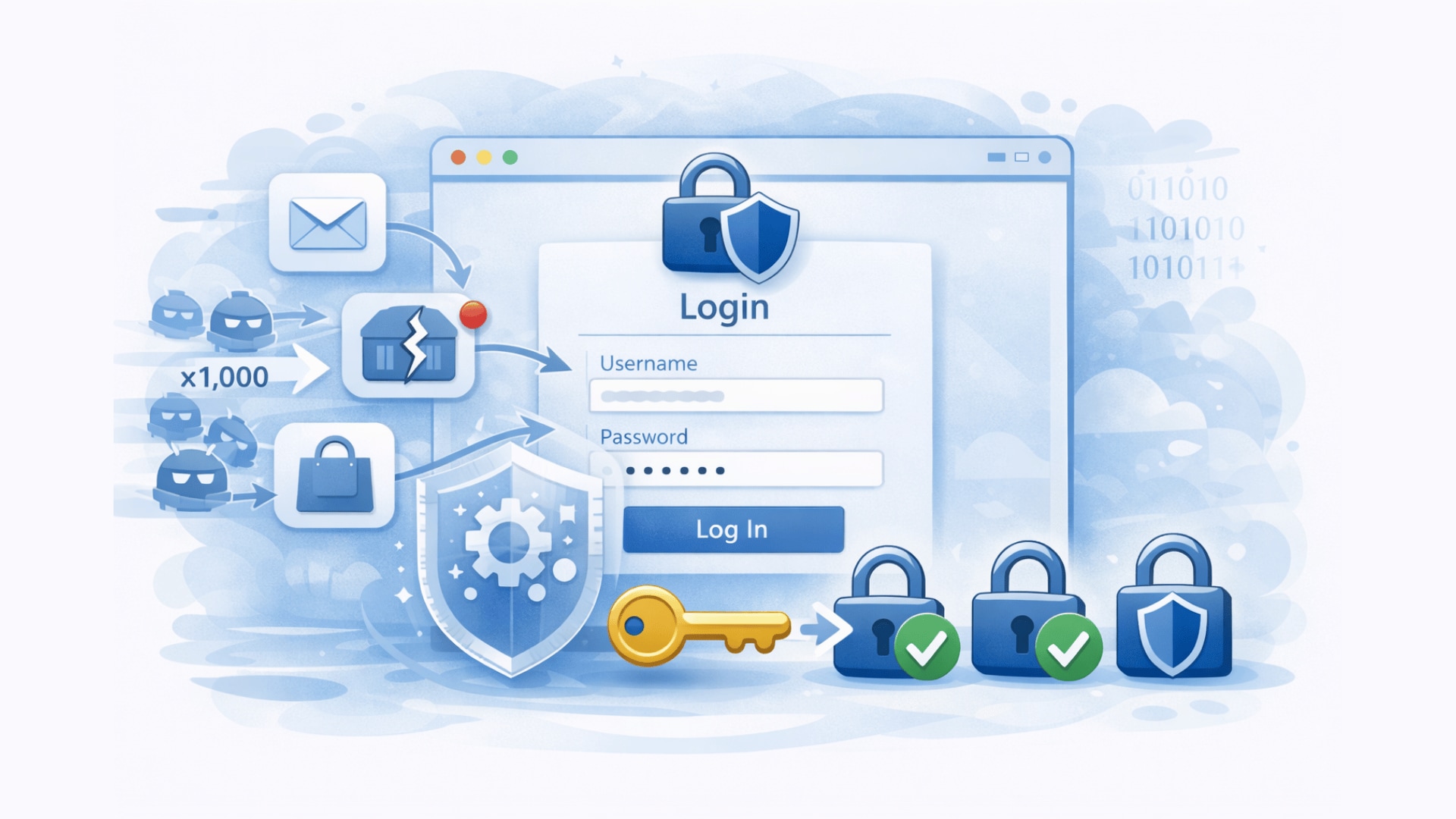
Account takeover fraud cost consumers $15.6 billion in 2024, and 33% of victims abandon the affected service entirely even after their account is restored. Attackers do not need to break your systems. They use credentials stolen from other breaches, automated bots, and phishing to walk through your front door. This guide explains how ATO attacks actually work, which flows they target first, and how to layer your defences so no single failure exposes your users.
Estimated reading time: 13 minutes
At a Glance
What ATO means
An attacker gains access to a real user account and can steal data, place orders, drain balances, or change account details from a trusted position
Most common entry point
Credential stuffing: attackers test stolen username-password pairs from other breaches because users still reuse passwords across services
Where CAPTCHA fits
Bot protection at login, registration, and password reset raises the cost of automated attacks before they reach your authentication logic
What this guide covers
- What account takeover is and why it matters
- How account takeover usually starts
- Account takeover vs credential stuffing vs brute force
- Which flows attackers target first
- What each defence layer stops
- Seven defences that work
- What to do during an active attack
- Why ATO is a GDPR issue for European operators
- Frequently Asked Questions
What account takeover is and why it matters
Account takeover, or ATO, happens when an attacker gains unauthorized access to a real user account. Once inside, they can change passwords, export personal data, place fraudulent orders, redeem loyalty points, trigger payouts, or pivot into other systems linked to that account.
This is more dangerous than ordinary spam or probing because the attacker no longer looks like an external intruder. They look like a legitimate user. That is why remediation costs rise quickly after accounts are compromised, and why preventing access in the first place costs far less than containing the damage afterward. IBM’s 2025 Cost of a Data Breach Report puts the average cost of a credential-based breach at $4.67 million.
Why ATO is harder than it looks
Attackers do not always need to break your authentication system. In many cases, they exploit weaknesses around it: reused passwords, weak recovery flows, missing MFA, or unprotected login endpoints that invite automation. Strong account security depends on more than password policy alone.
How account takeover usually starts
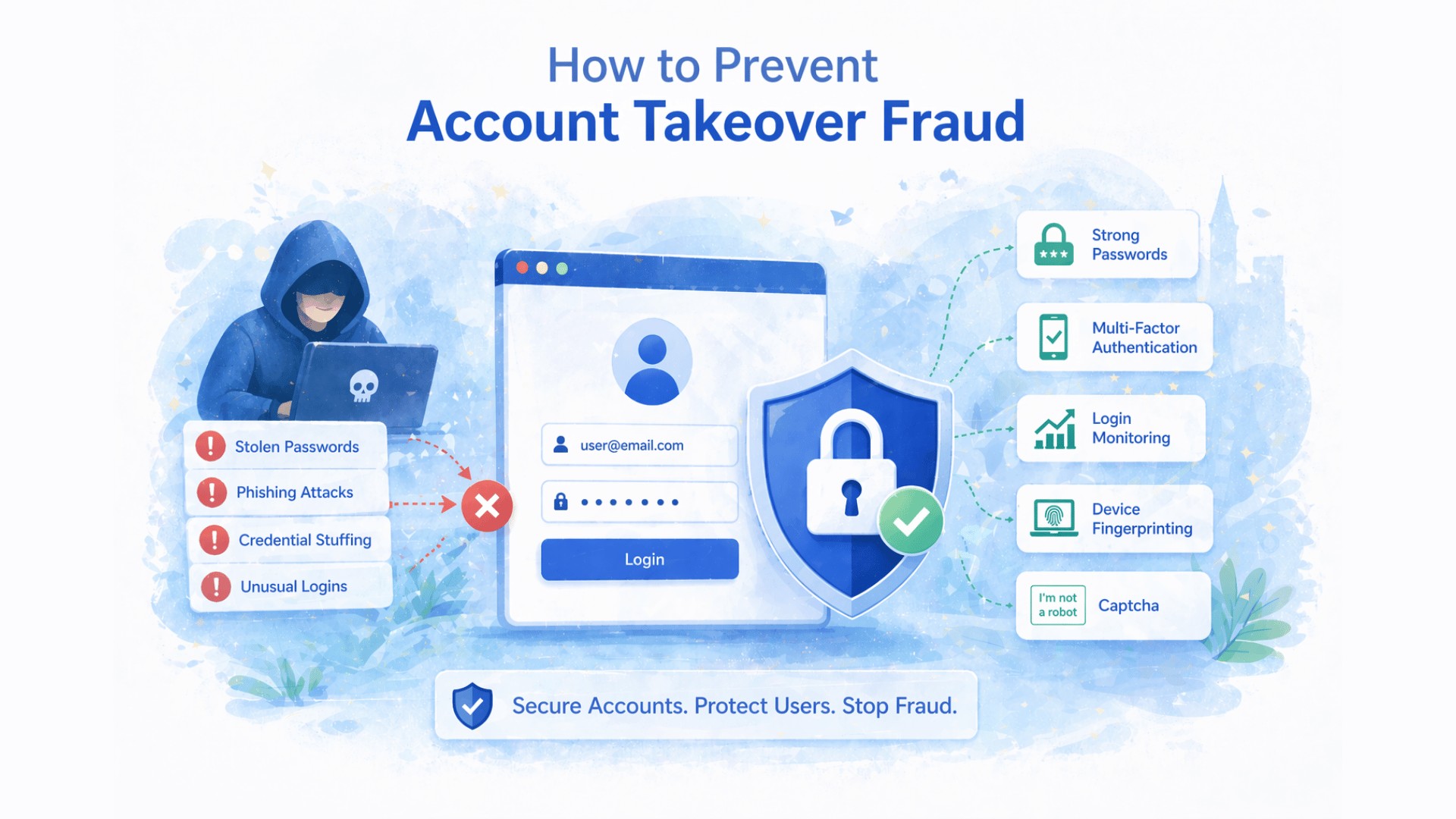
Account takeover is not a single technique. It is the outcome of several attack paths that all lead to the same result: unauthorized access to a real account.
ATTACK PATH | WHAT HAPPENS | WHY IT WORKS |
|---|---|---|
Credential stuffing | Bots test breached username-password pairs from other services at scale | Users reuse passwords, so one breach exposes accounts across many services |
Brute force / password spraying | Bots try common passwords across many accounts, or many guesses against one account | Weak passwords and missing rate limiting make accounts easy to guess |
Phishing / adversary-in-the-middle | Attackers trick users into entering credentials on fake login pages that relay them in real time | Relay attacks intercept MFA codes as the user enters them, bypassing two-factor protection |
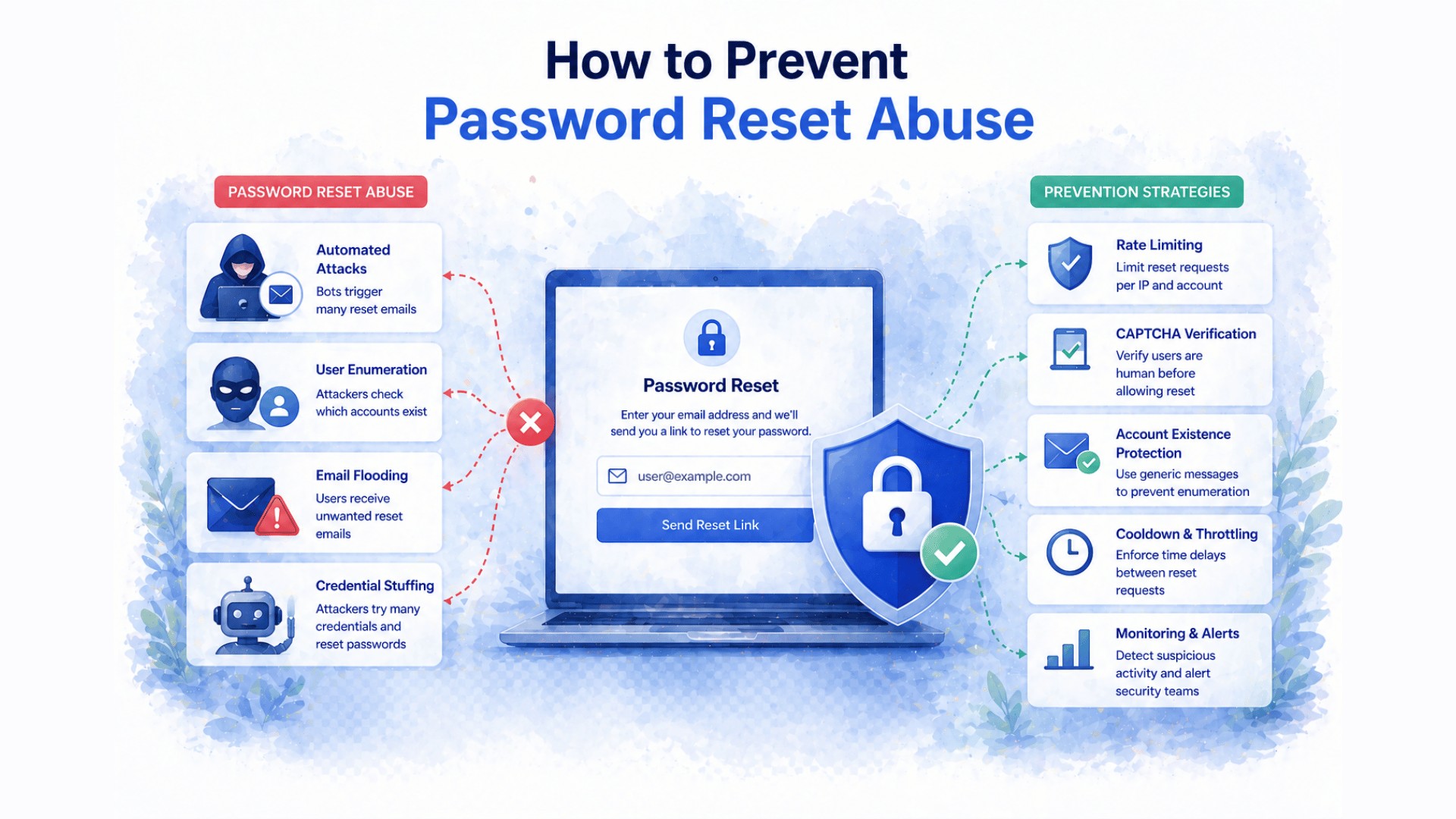
Password reset abuse | Attackers exploit weak recovery flows, enumerate valid accounts, or intercept reset codes | Recovery flows often receive less protection than login itself |
Session theft | Attackers steal a valid session token instead of logging in at all | Compromised browsers, malware, or weak session controls expose active sessions |
Credential stuffing is the most scalable path. OWASP describes it as the automated use of stolen credentials from earlier breaches against other login systems. Once an account has MFA or passkeys, however, attackers often shift toward phishing or recovery abuse instead. That is why a complete defence protects the full account lifecycle, not only the login form.
Account takeover vs credential stuffing vs brute force
These terms are related but not interchangeable. The clearest distinction: account takeover is the end result. Credential stuffing and brute force are two of the attack paths that cause it.
The simplest way to think about it
Account takeover is the business problem. Credential stuffing and brute force are two technical paths that lead there. You need defences against each path separately: stopping brute force does not stop credential stuffing, and stopping both still leaves phishing and session theft open.
TERM | WHAT IT MEANS | PRIMARY DEFENCES |
|---|---|---|
Account takeover (ATO) | Unauthorized access to a real user account, the end result | Layered security: MFA, bot protection, anomaly detection, recovery hardening |
Credential stuffing | Using real stolen credentials from prior breaches, tested automatically at scale | MFA, CAPTCHA at login, breached-password screening |
Brute force / password spraying | Guessing passwords through repeated automated attempts against one or many accounts | Rate limiting, account lockout, CAPTCHA, MFA |
Which flows attackers target first
Reducing ATO risk quickly means focusing on the flows attackers abuse most often. The priority order below reflects real attack patterns, not theoretical risk rankings.
- Login. The primary entry point for credential stuffing, password spraying, and bot-driven ATO. Highest attack volume of any flow.
- Password reset. Attackers probe here to enumerate valid accounts, trigger reset emails at scale, or intercept codes via SIM swapping. Often less protected than login despite carrying equivalent risk.
- Registration. Fake account creation is not ATO by itself, but bots register accounts in bulk to abuse free trials, referral programmes, and loyalty points, and to seed future fraud.
- High-risk account actions. Email changes, payment method additions, loyalty redemptions, and data exports inside an already-authenticated session deserve stronger checks than a normal session click.
The right priority order
Protect login first. Then protect password reset. Then add bot protection to registration. Then add step-up verification for high-risk post-login actions. This sequence covers the attack paths that cause most ATO incidents in practice.
What each defence layer stops
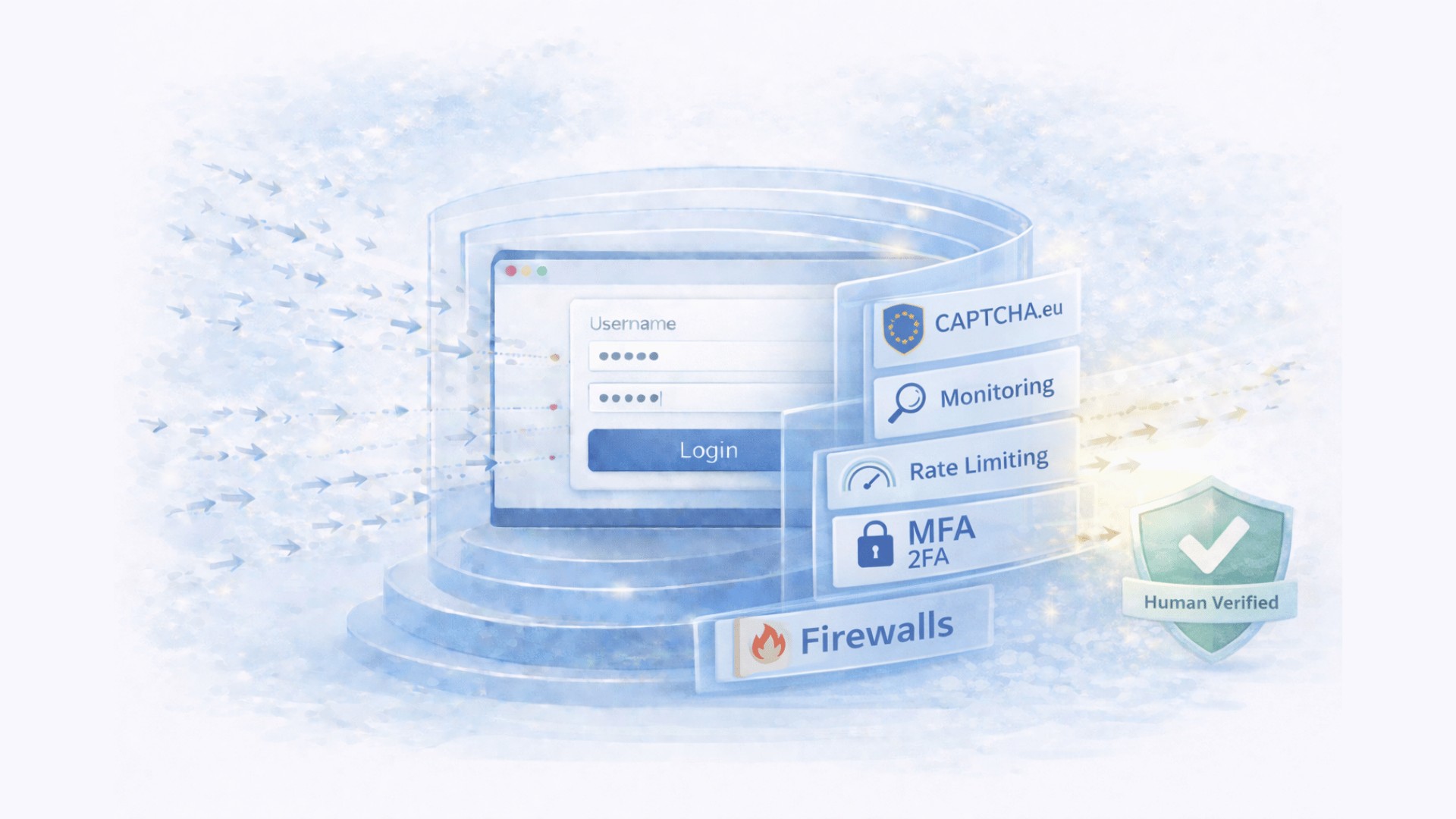
No single control stops every ATO path. Credential stuffing bypasses weak rate limiting. Phishing bypasses SMS-based MFA. Password reset abuse bypasses login-only protections. Effective prevention requires layers that each target a different part of the attack chain.
ATTACK TYPE | STOPPED BY | NOT STOPPED BY |
|---|---|---|
Credential stuffing | CAPTCHA, MFA, breached-password screening | Rate limiting alone (distributed attacks) |
Brute force / spraying | CAPTCHA, rate limiting, account lockout | IP blocking alone (distributed attacks) |
Phishing / AiTM relay | FIDO2/passkeys, phishing-resistant MFA, user education | SMS MFA, CAPTCHA, rate limiting |
Password reset abuse | CAPTCHA on reset flow, secure recovery design | Login-only protections |
Fake account creation | CAPTCHA on registration, email verification | Login-only protections |
Post-login session abuse | Anomaly detection, reauthentication, step-up checks | CAPTCHA or login-only controls |
Seven defences that work
Stop credential stuffing and brute force before they reach your account logic
CAPTCHA.eu protects login, registration, and password reset without cookies or US data transfers. Austria-hosted, WCAG 2.2 AA certified, 100 free verifications to start.
What to do during an active attack
If you suspect an active account takeover campaign, speed matters more than perfection. The goal is to slow the attack immediately, protect exposed accounts, and preserve enough evidence to understand what happened. In practice, the response usually follows four steps.
Slow the attack down immediately
Start by tightening protection on the flows the attacker is most likely abusing: login, password reset, and registration. Enable or harden CAPTCHA first, because this is usually the fastest way to raise the cost of automated traffic. At the same time, increase rate limits and temporarily restrict suspicious traffic by geography, proxy ranges, or hosting-provider IP reputation if your logs show a clear attack pattern.
Protect accounts that are most at risk
Require MFA or reauthentication for accounts that show suspicious behaviour, especially where you see unusual login locations, repeated failed attempts, or sudden account changes. If compromise is already confirmed or highly likely, force a password reset and revoke active sessions immediately. This limits the attacker’s ability to continue operating from inside the account.
Check what happened after login
Do not stop at the authentication event itself. Review downstream actions inside affected accounts, including email-address changes, payout or banking updates, orders, loyalty redemptions, password changes, and data exports. In many ATO incidents, the real damage happens only after login succeeds, so this review tells you how far the attacker got and which users need urgent follow-up.
Preserve evidence and prepare for notification
Keep logs, session data, and authentication events for the full attack window. You need that evidence for incident response, fraud analysis, and, if personal data was accessed, for your GDPR Article 33 assessment. If you can strengthen only one additional flow while the incident is ongoing, protect password reset next. Attackers often move there as soon as login becomes harder to exploit.
One practical rule during an active incident
If you can protect only one additional flow right now, protect password reset next. Attackers typically shift there as soon as login becomes harder to exploit.
Why ATO is a GDPR issue for European operators
For European website operators, account takeover creates two problems at once: a security incident and a potential GDPR breach. If an attacker accesses personal data in a user account, that constitutes a personal data breach under GDPR, with specific obligations that follow immediately.
Under Article 32, controllers must implement appropriate technical and organizational security measures. For any site that stores personal data behind user authentication, bot protection and MFA are part of that obligation. An organization that suffers a credential-stuffing ATO without bot protection at the login layer would find it difficult to demonstrate that appropriate measures were in place.
Under Article 33, a personal data breach must be assessed within 72 hours. If it is likely to result in a risk to individuals’ rights and freedoms, you must report it to your supervisory authority within that window. IBM’s 2025 data puts the mean time to identify a credential-based breach at 186 days, far beyond the 72-hour window. Anomaly detection and session monitoring directly improve your ability to meet Article 33 by shortening detection time.
Under Article 34, if the breach is likely to result in a high risk to individuals (for example in healthcare, financial services, or sensitive personal data contexts), you must also notify affected users directly.
The cookie-consent angle on authentication pages
Traditional CAPTCHA services often set cookies or rely on behavioral tracking. On login and recovery pages, this creates an ePrivacy consent question on top of the security issue itself. A cookieless proof-of-work CAPTCHA removes that consent question from the authentication flow entirely.
Frequently Asked Questions
What is account takeover in simple terms?
Account takeover happens when an attacker gains unauthorized access to a real user account and uses it as if they were the legitimate owner: to view data, place orders, transfer funds, or change account details.
Is account takeover the same as credential stuffing?
No. Credential stuffing is one common path to account takeover. Account takeover is the end result. Attackers can also reach it through phishing, weak recovery flows, session theft, or brute force, each of which needs separate defences.
Does MFA prevent account takeover?
MFA blocks most credential-stuffing-based takeovers because a stolen password is no longer enough to log in. However, MFA does not stop phishing-based relay attacks, where the attacker intercepts the one-time code in real time as the user enters it. For high-value accounts, phishing-resistant methods such as passkeys or hardware security keys provide stronger protection.
Does CAPTCHA stop account takeover?
CAPTCHA stops the automated bot layer (credential stuffing, brute force, and mass registration abuse) before those attacks reach your authentication logic. It does not stop phishing, does not replace MFA, and does not detect post-login abuse. It works best as one layer in a broader defence stack, not as a standalone solution.
What is the most effective defence against account takeover?
MFA or passkeys are the strongest single control. Microsoft data shows MFA can block more than 99.2% of automated account compromise attempts. The most effective real-world approach is layered: MFA combined with bot protection at all authentication flows, breached-password screening, strong recovery design, and anomaly detection.
Which pages should I protect first?
Login first, as it receives the highest attack volume. Then password reset, which attackers actively target but teams often leave less protected. Then registration and high-risk post-login actions such as email changes or payout setup.
What is the GDPR obligation if an account takeover occurs?
If the takeover results in unauthorized access to personal data, it is a personal data breach under GDPR. You must assess it within 72 hours and notify your supervisory authority if the breach is likely to create a risk to individuals. If the risk is high, you must also notify affected users directly. Bot protection and anomaly detection reduce both the likelihood of a breach and the time needed to detect one.
Related reading
What Is Invisible CAPTCHA? How It Works and Why It
Invisible CAPTCHA aims to verify users in the background with little or no visible interaction: no puzzles, no checkboxes, no…
How to Prevent Credential Stuffing Attacks on Your Website
Credential stuffing attacks use real passwords stolen from prior breaches, not guesswork. That makes them faster, harder to detect, and…
How to Prevent Brute Force Attacks on Your Website
Brute force attacks are one of the most persistent threats to website security. In 2026, they combine stolen credential lists,…
What is Account Takeover Fraud (ATO)?
Have you ever received a strange login alert or a password reset email you didn’t request? If so, you might…
Federal Reserve Financial Services: Account Takeover Fraud (February 2026): ATO fraud resulted in $15.6 billion in reported losses in the U.S. in 2024; 33% of customers who experience ATO abandon the affected service entirely
IBM Cost of a Data Breach Report 2025: average cost of a credential-based breach $4.67 million; mean time to identify 186 days
Microsoft Entra MFA documentation: MFA can block more than 99.2% of automated account compromise attempts
CISA MFA guidance: MFA as a strong protection against unauthorized account access
OWASP Credential Stuffing Prevention Cheat Sheet
OWASP Authentication Cheat Sheet: reauthentication after suspicious events
OWASP Forgot Password Cheat Sheet: consistent responses and secure recovery token design
OWASP Automated Threats to Web Applications: account-related automated abuse patterns
NIST SP 800-63-4: digital identity guidance including breached-password screening recommendations
Have I Been Pwned API: free breach credential checking for registration and password change flows
Try the European alternative built for privacy-first deployments
If your team needs low-friction bot protection with Austrian hosting, no cookies at the CAPTCHA layer, EU-based processing, transparent pricing, and TÜV-certified accessibility, test CAPTCHA.eu on a real flow before you decide. Start with your login, sign-up, or contact form. 100 free requests, no credit card required.